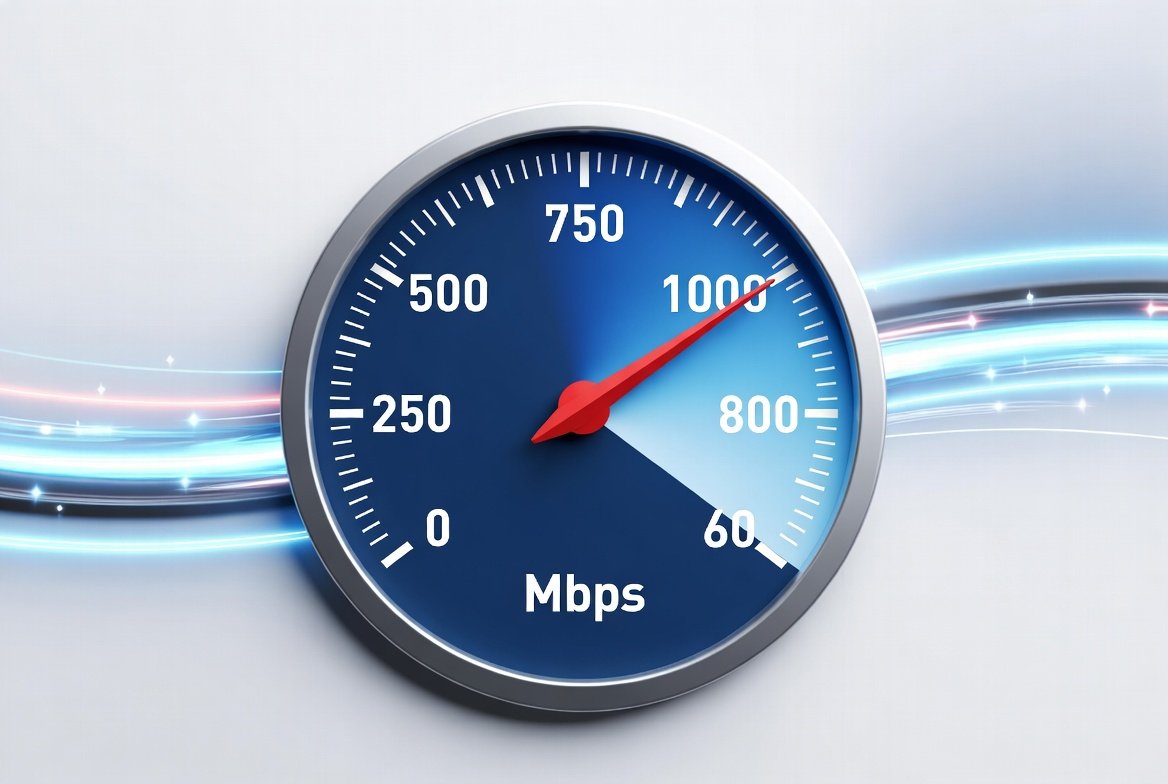
1 Gig internet speed delivers up to 1,000 Mbps (1 Gbps). In practical American homes, wired tests often land between 800–950 Mbps due to normal overhead from routers, cabling, and devices. It comfortably handles heavy multi-device households — multiple 4K streams, gaming, remote work, and dozens of connected devices at once — but light users (1–2 people, mostly browsing and streaming) rarely need the full capacity.
1 Gig internet speed equals 1 gigabit per second, or 1,000 megabits per second. Internet providers advertise this as the maximum download rate under ideal conditions. Upload speeds vary: fiber plans often deliver symmetrical or near-symmetrical rates, while many cable plans offer lower uploads, commonly in the 20–100 Mbps range depending on the provider and location.
Key Takeaways
- 1 Gig = 1,000 Mbps in theory; 800–950 Mbps is a realistic wired result in practice
- Roughly 10x faster than a 100 Mbps plan, and 3–5x faster than common 200–300 Mbps tiers
- Fiber plans typically offer better, more symmetrical upload speeds than cable at the same download tier
- Netflix’s official recommendation for a single 4K UHD stream is 15 Mbps or higher — a household running several 4K streams plus other devices adds up fast, and 1 Gig gives significant headroom for that
What 1 Gig Internet Speed Actually Means
In real-world conditions, you rarely see a perfect 1,000 Mbps. Overhead from network protocols, Wi-Fi interference, device limitations, and home wiring typically reduce wired results to 800–950 Mbps. Wi-Fi results depend heavily on your router, distance, walls, and whether your devices support Wi-Fi 6 or Wi-Fi 7.
This speed is roughly 10 times faster than a 100 Mbps plan and about 3–5 times faster than common 200–300 Mbps tiers. It supports simultaneous high-bandwidth activities that would strain slower connections.
Real-World Scenarios: Who Benefits Most
1 Gig internet speed shines in multi-user households but isn’t always necessary for light users.
| Household Type | Typical Users & Devices | Main Activities | Recommended Minimum | How 1 Gig Performs |
|---|---|---|---|---|
| Light users | 1–2 people, 5–8 devices | Browsing, email, HD streaming, occasional video calls | 100–200 Mbps | Excellent but often excess capacity; little noticeable difference over 300 Mbps |
| Medium family | 3–4 people, 10–15 devices | Multiple HD/4K streams, remote work, casual gaming, smart home | 300–500 Mbps | Smooth with headroom for spikes; no buffering during peak evening use |
| Heavy / power users | 4–6+ people, 15–30+ devices | Multiple 4K streams, competitive gaming, large downloads/uploads, video conferencing, cloud backups | 500 Mbps–1 Gig | Handles everything simultaneously; downloads feel near-instant |
| Remote work + creators | Mixed, high upload needs | Large file transfers, livestreaming, multiple video calls | Symmetrical fiber preferred | Strong advantage when upload matches download |
Examples of everyday performance with 1 Gig internet speed (approximate, ideal conditions):
- 5 GB HD movie: about 40 seconds
- 50 GB game or large file: roughly 7 minutes
- Multiple simultaneous 4K streams: easily supported alongside other traffic — Netflix’s official recommendation is 15 Mbps per 4K stream, so even three or four running at once still leaves most of a 1 Gig connection free
- Online gaming: low latency potential (especially on fiber), with bandwidth to spare for voice chat and downloads
Light users rarely need the full capacity. A couple who mainly stream one or two shows and browse can usually stay comfortable on lower tiers. Larger families or homes with many smart devices, gamers, and remote workers see a clearer benefit.
Step-by-Step: Is 1 Gig Right for You, and How to Get the Most From It
- Audit your current usage. Run a wired speed test (Ethernet preferred) at peak evening hours. Note how many devices are active and whether you experience buffering, lag, or slow downloads. Track monthly data if your plan has any limits — many 1 Gig plans include unlimited data, but confirm current details with the provider.
- Check availability and technology. Fiber generally delivers the most consistent 1 Gig speed, with better uploads and lower latency. Cable options are more widely available in some areas. Enter your address on major provider sites (AT&T Fiber, Google Fiber, Verizon Fios, Xfinity, Frontier, Quantum Fiber, and others) and compare advertised download/upload rates, equipment fees, and contract terms. Pricing varies by location and current promotions.
- Evaluate total cost. Look beyond the advertised monthly rate. Factor in equipment rental or purchase, installation, early termination fees if any, and any promotional periods that expire. Symmetrical fiber plans often justify a higher base price for upload-heavy households.
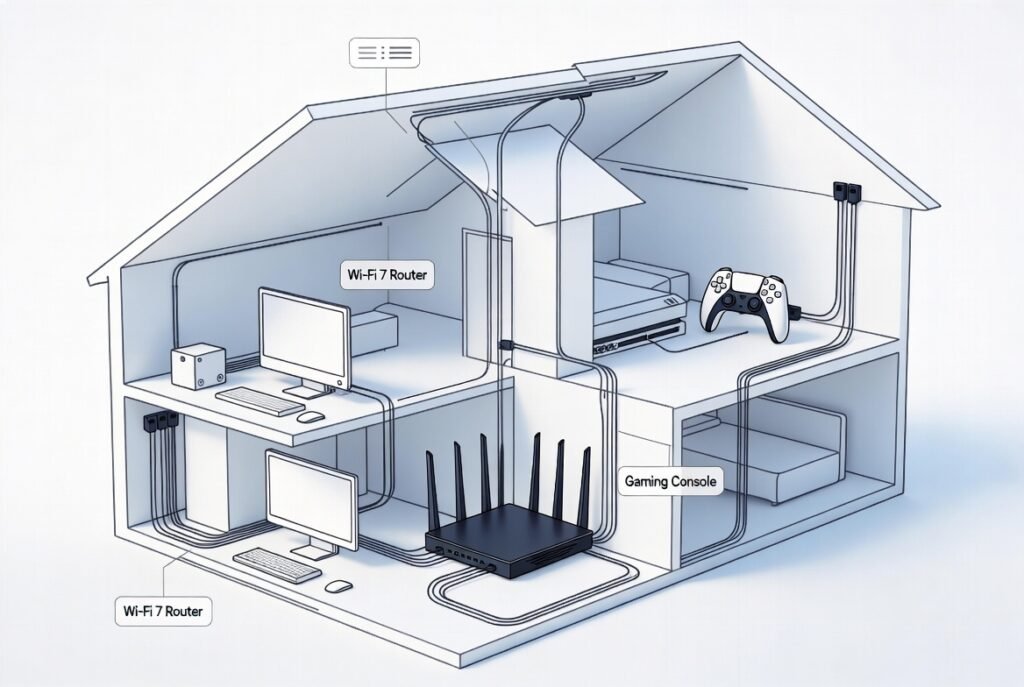
- Upgrade hardware if needed. A 1 Gig plan requires compatible equipment. Use a Wi-Fi 6 or Wi-Fi 7 router that supports multi-gig ports. Older routers or devices capped at 100 Mbps or 300 Mbps will bottleneck the connection. Prefer Ethernet for stationary high-demand devices (desktops, gaming consoles, smart TVs).
- Test after installation. Perform wired and wireless speed tests in different rooms. Optimize channel selection, place the router centrally and elevated, and consider mesh systems for larger homes.
Practical Tips and Common Mistakes
Tips that deliver results:
- Prioritize Ethernet for the devices that need maximum speed (gaming PCs, work computers, 4K streaming boxes)
- Enable Quality of Service (QoS) on your router to prioritize gaming or video calls if needed
- Keep firmware updated on the router and critical devices
- For Wi-Fi, use the 5 GHz or 6 GHz band for high-speed devices, and reserve 2.4 GHz for smart home gadgets
- Monitor real usage for a month before deciding an upgrade is permanent — many households function well on 500 Mbps
Common mistakes to avoid:
- Assuming Wi-Fi will match the full 1 Gig speed — wireless losses are normal; only a direct Ethernet connection approaches the advertised rate
- Keeping outdated routers or network adapters that can’t handle gigabit speeds
- Ignoring upload needs — cable 1 Gig plans with low upload can still frustrate video calls, cloud backups, or content creators
- Overlooking home wiring quality — old coaxial or poor Ethernet cables limit performance
- Buying the highest tier without checking actual coverage and congestion in your specific neighborhood
Conclusion
1 Gig internet speed provides substantial bandwidth for modern households with multiple users, 4K streaming, gaming, remote work, and a growing number of connected devices. Real-world wired performance typically reaches 800–950 Mbps, which is more than enough for most heavy-use scenarios and offers clear headroom over mid-tier plans. Light users may find it unnecessary, while larger or high-demand homes often notice the difference in reduced lag and faster transfers. Check current availability, compare fiber versus cable options in your area, and pair the plan with solid equipment to realize the full value. Always verify the latest plan details, pricing, and any data policies directly with providers, since these can change by location and promotion.
FAQs
What does 1 Gig internet speed equal in Mbps?
It equals 1,000 Mbps download under ideal conditions. Real-world wired tests commonly show 800–950 Mbps.
Is 1 Gig internet speed worth it for a small household?
For one or two light users focused on browsing and occasional streaming, lower tiers (100–300 Mbps) usually suffice and cost less. The upgrade becomes more noticeable with multiple simultaneous streams or large downloads.
Will I get full 1,000 Mbps on Wi-Fi?
Rarely. Wi-Fi introduces losses from distance, interference, and device capabilities. Expect lower speeds wirelessly; use Ethernet for maximum performance.
How many devices can 1 Gig internet speed support?
It comfortably handles 15–30+ devices depending on activity levels. Heavy simultaneous 4K streaming, gaming, and downloads still leave capacity in most cases.
Do all 1 Gig plans have the same upload speeds?
No. Fiber plans frequently offer higher or symmetrical uploads. Many cable plans provide significantly lower upload rates. Confirm the specific upload figure for plans available at your address.
Leave a Reply