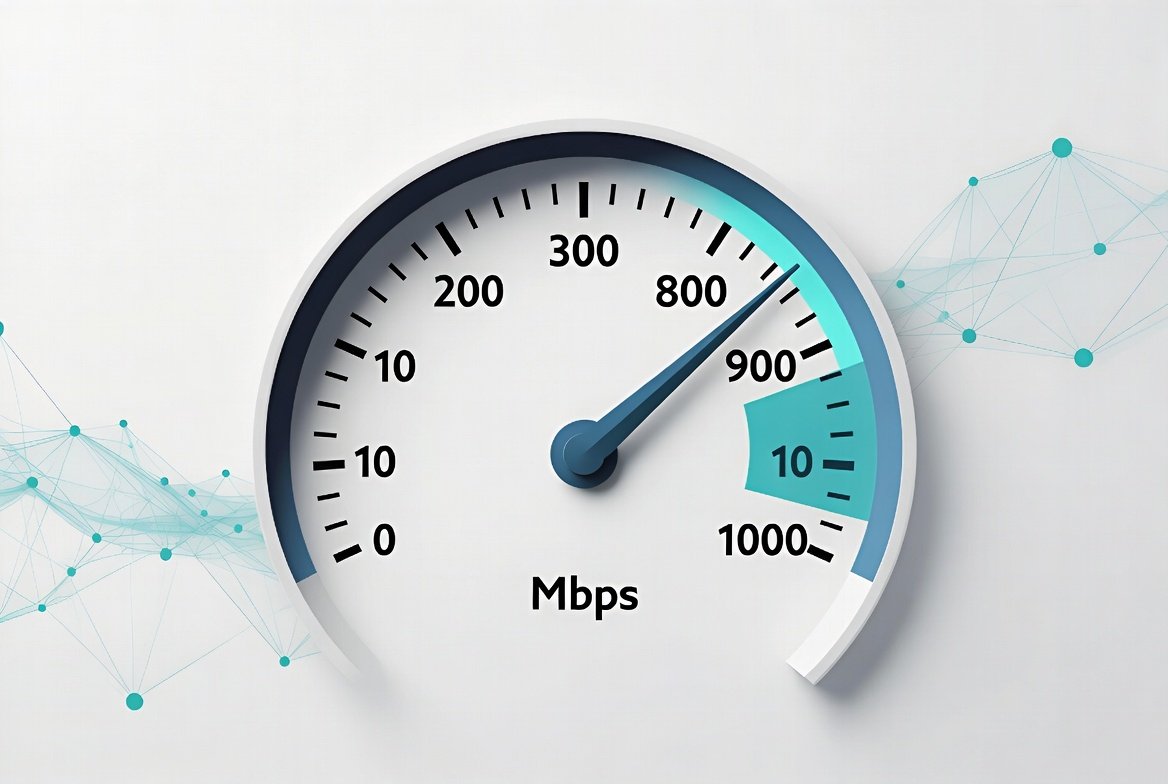
300 Mbps internet speed delivers roughly 37.5 megabytes per second of data. For most American households, this is a practical mid-to-high tier that supports multiple 4K streams, online gaming, video calls, and a growing number of connected devices at the same time. It comfortably fits light users through standard families of four; only heavy multi-user or gamer households may want more during peak hours.
This article explains exactly what 300 Mbps internet speed can handle, who it fits best, and how to get the most from it.
Key Takeaways
- 300 Mbps ≈ 37.5 MB/s, enough for several 4K streams plus gaming and video calls at once
- Real-world speed typically lands at 80–95% of the advertised figure after overhead and Wi-Fi losses
- Upload speed varies a lot by technology — often just 10–50 Mbps on cable, higher and more consistent on fiber
- A five-year-old router is a common bottleneck; Wi-Fi 6 or better is recommended to fully use 300 Mbps across multiple devices
What 300 Mbps Internet Speed Actually Means
Internet speed is measured in megabits per second (Mbps). A 300 Mbps plan means the maximum theoretical download rate is 300 megabits every second. In real-world use, you’ll typically see 80–95% of that figure after overhead, Wi-Fi losses, and network congestion.
Upload speeds on most 300 Mbps plans are lower — often 10–50 Mbps depending on the technology (cable, fiber, or fixed wireless). Always check your provider’s current plan details for the exact upload figure in your area.
In practical terms:
- A single 4K stream needs about 25 Mbps
- An HD video call needs 3–5 Mbps
- Online gaming needs only 3–6 Mbps but benefits from low latency
- A large game download (50 GB) takes roughly 22–25 minutes at full speed
300 Mbps leaves substantial headroom for several of these activities running at the same time.
Real-World Scenarios: Who Can Comfortably Use 300 Mbps
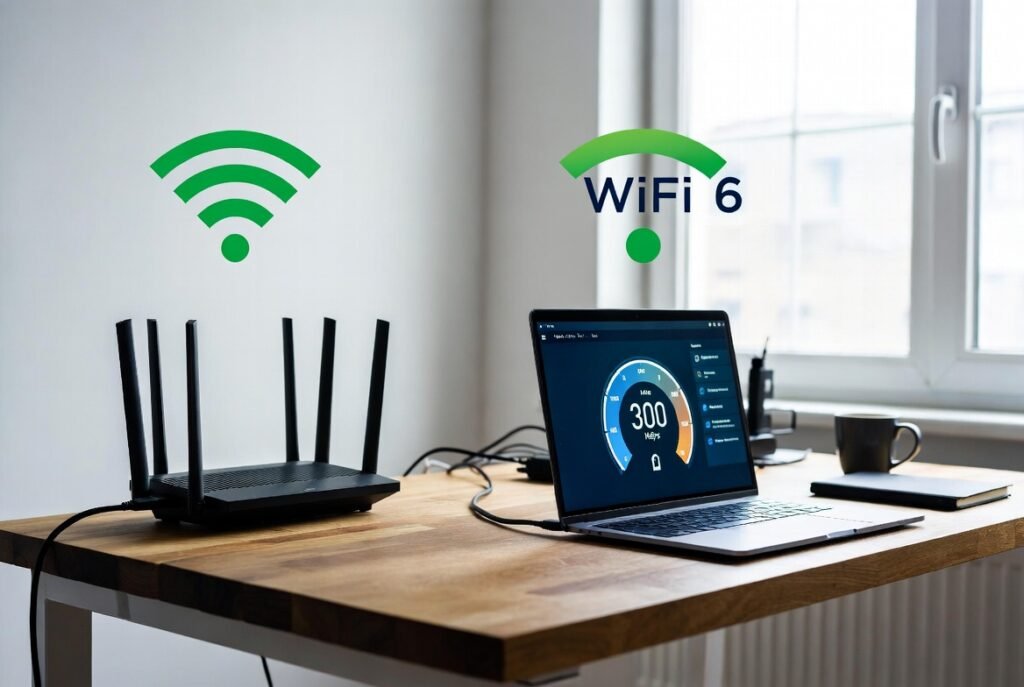
Different households put different loads on the connection. This table shows realistic simultaneous usage that 300 Mbps can support without noticeable slowdowns under normal conditions.
| Household Type | Typical Simultaneous Activities | Number of Devices | Is 300 Mbps Enough? | Notes |
|---|---|---|---|---|
| Light user (1 person) | Browsing, email, occasional HD streaming, light smart-home use | 3–6 | Yes, with room to spare | Overkill for pure light use |
| Couple or small family (2–3 people) | Two 4K streams + video call + browsing + homework | 8–12 | Yes | Comfortable everyday speed |
| Standard family (4 people) | Three 4K streams, online gaming, two video calls, multiple phones/tablets | 12–18 | Yes for most days | Peak evening hours may feel tighter |
| Remote-work household | Two HD video meetings, cloud file sync, 4K streaming, smart devices | 10–15 | Yes | Watch upload speed for large file uploads |
| Heavy multi-user / gamer house | Multiple 4K streams, competitive gaming, live streaming, many IoT devices | 15–25+ | Borderline | May need 500 Mbps+ during peak times |
These estimates reflect typical American device counts and usage patterns. Your actual experience depends on Wi-Fi quality, router capability, and how many devices are actively transferring data at once.
Step-by-Step: How to Decide If 300 Mbps Is Right for You
- List every person and device in the home regularly online — phones, TVs, laptops, consoles, cameras, smart speakers.
- Estimate simultaneous peak usage: how many 4K streams, video calls, or game downloads happen at the same time on a typical evening.
- Run a speed test on your current connection during peak hours (use a wired Ethernet connection if possible for accuracy).
- Compare your real measured speed against the table above. If you already experience buffering or lag with fewer activities than listed, 300 Mbps will feel like a clear upgrade.
- Check the upload speed on any 300 Mbps plan you’re considering — remote workers and content creators often need stronger uploads than basic cable plans provide.
- Confirm your equipment: a Wi-Fi 6 or Wi-Fi 6E router is recommended to distribute 300 Mbps effectively across multiple rooms and devices. Older dual-band routers can bottleneck the connection.
- Review the provider’s current plan details for data caps, contract terms, and typical speeds in your ZIP code — pricing and promotions vary by location.
Practical Tips to Get Full Value from 300 Mbps
- Place the router in a central, elevated location, and use Ethernet for stationary high-bandwidth devices (gaming consoles, smart TVs, desktop computers)
- Enable Quality of Service (QoS) or traffic prioritization on your router so video calls and gaming traffic take priority over background downloads
- Keep firmware updated on the modem and router — outdated firmware is a frequent cause of reduced real-world speeds
- Separate 2.4 GHz and 5 GHz (or 6 GHz) bands if your router allows it, and put high-bandwidth devices on the faster band
- Periodically restart the modem and router, especially after power outages or when speeds drop unexpectedly
- Use a wired connection when downloading large files or running speed tests, so you measure true line speed rather than Wi-Fi performance
Common Mistakes People Make with 300 Mbps Plans
Expecting full 300 Mbps on every Wi-Fi device. Wi-Fi signal strength, interference, and older device adapters reduce the speed that reaches each screen. Fix: test with Ethernet first, then improve Wi-Fi coverage.
Ignoring upload speed. Many cable-based 300 Mbps plans offer only 10–35 Mbps upload. Video calls and cloud backups can suffer. Fix: ask for the advertised upload speed, and consider fiber if uploads matter to you.
Running an outdated router. A five-year-old router often can’t efficiently handle 300 Mbps across many devices. Fix: upgrade to Wi-Fi 6 or better.
Testing speed only once, or at off-peak times. Evening congestion is common. Fix: test three times during your heaviest usage window and average the results.
Assuming more speed always means better performance. If latency is high or the Wi-Fi network is congested, jumping from 300 Mbps to 1 Gbps won’t fix lag. Fix: address network quality first.
Conclusion
300 Mbps internet speed sits in a sweet spot for the majority of American households. It comfortably supports families of two to six people who stream 4K content, work from home, game, and keep a growing collection of smart devices online. Light users will find it more than adequate, while the heaviest multi-user homes may eventually want higher speeds during peak hours. The key is matching the plan to actual simultaneous demand, ensuring the router and Wi-Fi setup can deliver the speed, and verifying both download and upload figures with the provider. When those pieces are in place, 300 Mbps delivers reliable everyday performance without unnecessary cost.
FAQs
Is 300 Mbps internet speed fast enough for a family of four?
Yes, for most families of four. It supports several 4K streams, online gaming, video calls, and everyday device use at the same time under normal conditions.
How long does it take to download a 50 GB game at 300 Mbps?
At full speed, roughly 22–25 minutes. Real-world times are often a few minutes longer due to network overhead and server limits.
Can I run multiple 4K streams on 300 Mbps?
Yes. Four simultaneous 4K streams (about 100 Mbps total) still leave more than half the bandwidth free for other devices and activities.
Do I need fiber to get reliable 300 Mbps?
No. Many cable and fixed-wireless plans deliver 300 Mbps. Fiber usually offers better upload speeds and consistency, but it isn’t required for the download speed itself.
Will upgrading from 100 Mbps to 300 Mbps feel noticeably faster?
In most multi-device homes, yes. Page loads, stream starts, and large downloads improve, and the connection stays smoother when several people are online at once.
Leave a Reply