

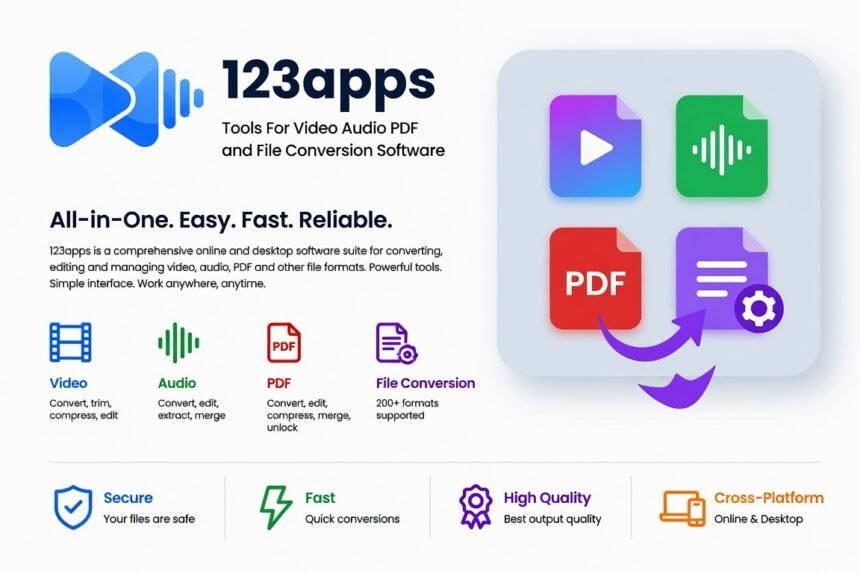
123apps is a free, browser-based suite of online tools for editing, converting, merging, trimming, and compressing video, audio, PDF, and image files — no software installation required. It covers everyday file problems through simple web apps that work in any modern browser.
Key Takeaways
- 51 tools span video, audio, PDF, image, and document conversion — all run in the browser with no download.
- Free plan: 5 files per day, 500 MB max file size, with ads.
- Premium plan: $6/month billed monthly, or $4/month ($48/year) billed annually — unlimited daily files, 4 GB max file size, faster processing, no ads.
- No account needed for free use; an account is only required to subscribe to Premium.
- Files are automatically deleted from 123apps’ servers within 12 hours of processing, per the platform’s privacy policy.
How 123apps Works
123apps runs entirely in the browser: visit the site, pick a tool, upload a file — directly from your device or pulled from Google Drive or Dropbox — make your adjustments, and download the result. Processing happens on 123apps’ servers rather than your device, so there’s nothing to install and no performance hit on your computer.
According to the platform’s privacy policy, uploaded files are deleted no later than 12 hours after processing, and data is transmitted over SSL encryption and used only as needed to complete the requested task.
What’s Included
- Video tools: editor, screen recorder, trim, merge, crop, rotate, resize, speed/volume adjustment, stabilizer, text/image/audio overlay, logo remover, text-to-speech.
- Audio tools: converter, cutter, joiner, extractor (pull audio from video), voice recorder, volume adjustment.
- PDF tools: split, merge, compress, unlock, protect, rotate, page numbering, and conversion to and from Word, Excel, JPG, PNG, HTML, and PowerPoint.
- Converters and utilities: video, audio, image, document, font, and archive converters, plus an archive extractor.
Who Actually Benefits From It
123apps is built for the everyday moment when a file arrives in the wrong format — a video from a phone, a scanned PDF from a school portal, a document attachment that won’t open — and you need a fast fix without learning dedicated desktop software.
| Household or User Type | Common Tasks | Free Plan Fit | Better Option |
|---|---|---|---|
| Occasional / light user | Trim a short phone video, convert a photo to PDF, compress one document | Excellent — easily stays under 5 files/day and 500 MB | Free plan is sufficient |
| Student | Convert lecture recordings, merge class PDFs, extract audio for notes | Good for most weeks | Free; Premium only for multiple large projects |
| Family | Edit home videos, combine school forms into one PDF, resize images for sharing | Moderate — larger family videos hit limits quickly | Premium for bigger files |
| Content creator / small business | Frequent video merges, batch audio conversion, logo removal, high-volume PDF work | Limited by daily caps and file size | Premium |
Light users rarely hit the free limits. Students and families run into them more often, typically with longer videos or multi-page scanned documents. Content creators get the most value from Premium’s unlimited daily operations and 4 GB file ceiling.
What a Good Result Looks Like
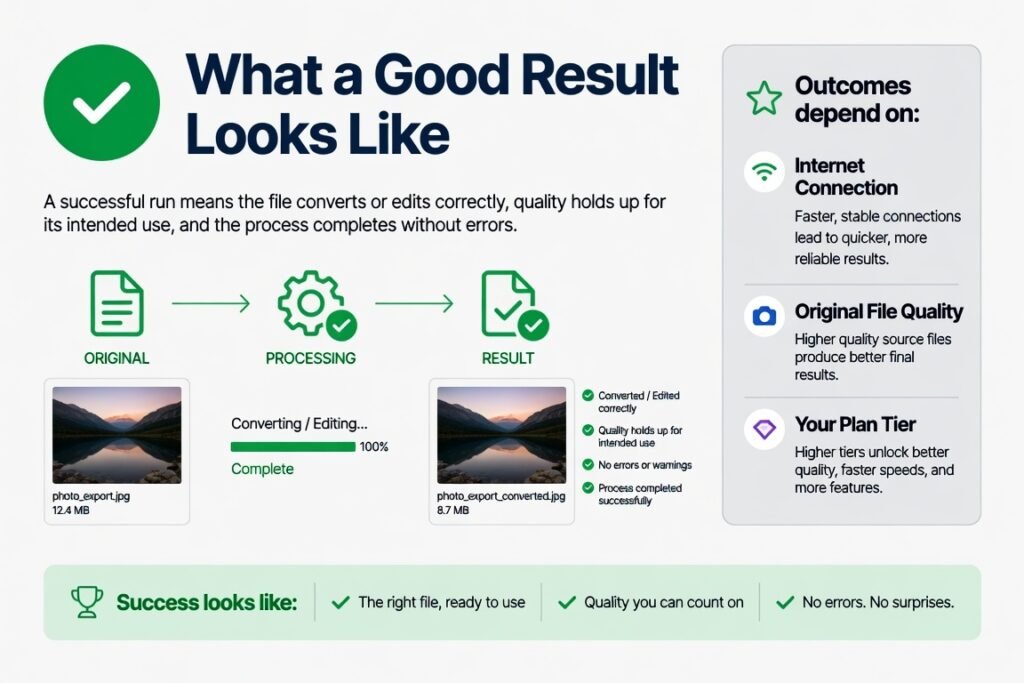
A successful run means the file converts or edits correctly, quality holds up for its intended use, and the process completes without errors. Outcomes depend on your internet connection, the original file’s quality, and which plan tier you’re on.
| Plan Tier | Max File Size | Daily Files | Speed & Quality | Typical Good Outcome |
|---|---|---|---|---|
| Free | 500 MB | 5 | Fast for small-to-medium files; ads present | Convert a 10-minute 1080p phone video to MP4, or merge a 20-page PDF, in a few minutes |
| Premium | 4 GB | Unlimited | Faster processing, no ads | Handle a 90-minute 4K video or a large scanned document batch without interruption |
A stable connection matters more than most people expect — on slower connections or during peak evening hours, larger free-plan uploads can take longer or fail outright. Keep the original file until you’ve confirmed the converted version works.
How to Convert or Trim a File, Step by Step
- Open a modern browser — Chrome, Edge, and Firefox all work well — and go to 123apps.com.
- Select the tool you need: Video Converter, Video Editor, or Trim Video, for example.
- Upload the file from your device or connect Google Drive or Dropbox.
- Choose your output format (MP4 is the most broadly compatible), resolution, or trim points.
- Start the process and let the progress bar finish.
- Download the result immediately and test it before closing the tab.
The same basic flow applies to PDF merging, splitting, compression, and audio extraction.
Free vs. Premium: Which Do You Need?
Free covers light, occasional needs well but caps out at 5 files and 500 MB per day. Premium removes the daily cap, raises the size limit to 4 GB, drops the ads, and processes faster — and annual billing works out cheaper per month than paying monthly.
Compared with installing desktop software, 123apps needs no download or updates and runs on any computer with a browser. Compared with other online converters, its main advantage is the sheer number of specialized tools available in one place with a clearly defined free tier, though other services may offer different daily limits or offline options worth comparing if 123apps’ caps don’t fit your workflow.
Practical Tips for Better Results
- Check your remaining daily file count and size limit before starting a task — hitting the free cap mid-process is a common frustration.
- Use a wired connection or strong Wi-Fi for anything over 200 MB; unstable mobile hotspots are a frequent cause of upload failures.
- Download your results right away — files are removed from 123apps’ servers within 12 hours.
- Keep your originals. Re-encoding can slightly change file size or quality.
- Keep your browser updated; outdated versions occasionally hide timeline controls or cause encoding errors.
- For sensitive PDFs, use the protect or unlock tools only when necessary, and verify the output afterward.
- Test with a short sample before converting anything important.
Common mistakes include uploading a multi-gigabyte family video on the free plan, starting a large conversion on a weak connection, or forgetting to download a file before the 12-hour deletion window closes. Avoiding these keeps most sessions trouble-free.
Conclusion
123apps gives users a practical, install-free way to handle everyday video, audio, PDF, and file conversion tasks. The free tier comfortably covers light and moderate use, and Premium removes the main limits for heavier workloads like large video files or high-volume batch processing. Files process automatically and are deleted promptly, and the interface stays straightforward enough that no technical background is needed.
For most people, it solves a real, recurring problem — the wrong file format arriving from a phone, school portal, or email — without requiring new software or a learning curve. As with any third-party service, it’s worth checking current limits and pricing directly on the official site before relying on it for time-sensitive or critical work.
FAQ
Is 123apps free to use?
Yes. All tools are available for free with a daily limit of 5 files and a 500 MB maximum file size. Premium removes both limits.
Do I need to create an account?
No basic free use doesn’t require an account. You only need one if you subscribe to Premium.
How long are my files kept on 123apps’ servers?
According to the platform’s privacy policy, uploaded files are automatically deleted no later than 12 hours after processing.
Can I use 123apps on a phone or tablet?
Most tools work in mobile browsers, though more complex video editing is easier on a computer. A few features, like logo removal, have limited mobile support.
What should I do if a conversion fails?
Common causes include unsupported codecs, corrupted source files, or a dropped connection. Try a different browser, test with a smaller file, or contact 123apps support with the details of the failure.
What happens if a conversion fails?
Common causes are unsupported codecs, corrupted source files, or connection drops. Try a different browser, a smaller test file, or contact support@123apps.com with details.