

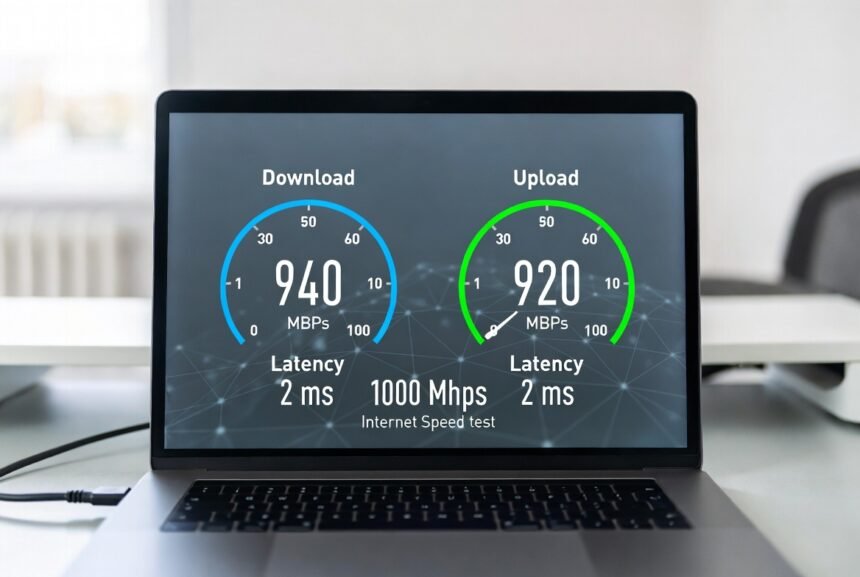
1000 Mbps Internet Speed (also called 1 Gigabit or 1 Gbps) delivers enough bandwidth for demanding households to stream, game, work, and download without constant slowdowns. This guide explains exactly what it offers, who benefits most, how to test it accurately, and the practical steps that help you get the full value.
Key Takeaways
- 1000 Mbps = 1 Gigabit per second (1 Gbps) — roughly 125 megabytes per second of usable throughput after overhead.
- A realistic “good” wired test result is 900–940 Mbps, not a perfect 1000.
- Fiber plans are usually symmetrical (equal upload/download); cable plans usually aren’t.
- Most light users don’t need 1000 Mbps — it mainly benefits multi-device, high-demand households.
- Always test wired first, then compare to Wi-Fi, to isolate where a slowdown is actually coming from.
What 1000 Mbps Internet Speed Actually Means
1000 Mbps means your connection can theoretically move 1,000 megabits of data per second. In real-world use this equals roughly 125 megabytes per second of usable throughput after protocol overhead.
Most U.S. providers advertise 1000 Mbps plans as “up to” speeds. Actual results depend on the technology (fiber, cable, or fixed wireless), your equipment, and whether you test over a wired Ethernet connection or Wi-Fi. Fiber plans are often symmetrical (equal upload and download). Cable plans usually offer lower upload speeds.
A true 1000 Mbps plan is generally built to support multiple simultaneous high-bandwidth activities — several 4K streams, cloud backups, and online gaming at once — that lower tiers tend to struggle with during peak evening hours, when neighborhood-wide usage is highest.
Real-World Scenarios: Household Comparison
Not every home needs 1000 Mbps Internet Speed. The table below shows balanced comparisons across common U.S. household types, including light users.
| Household Type | Typical Activities | Recommended Speed Range | How 1000 Mbps Helps |
|---|---|---|---|
| Light user (1–2 people) | Browsing, email, HD streaming, occasional video calls | 100–300 Mbps | Provides large headroom and future-proofing but is often more than needed |
| Small family (3–4 people) | 1–2 simultaneous 4K streams, remote work, school video, light gaming | 300–600 Mbps | Handles concurrent use with room for smart-home devices |
| Busy household (4–6+ people) | Multiple 4K/8K streams, online gaming, video calls, cloud backups | 600 Mbps–1 Gbps | Keeps everything smooth even during peak hours |
| Power user / heavy home office | Large file transfers, competitive multiplayer gaming, multiple remote workers, frequent 4K uploads | 1000 Mbps or higher | Delivers fast downloads and strong uploads (especially on fiber) |
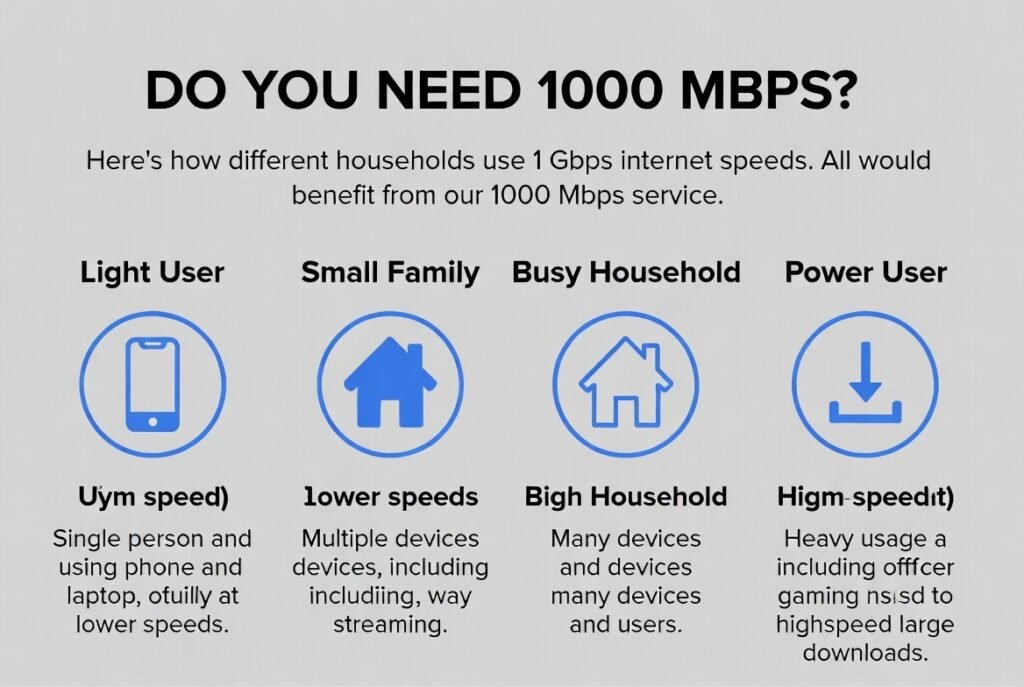
A common mistake is assuming every device will use the full 1000 Mbps. Most individual streams or games use far less bandwidth than people expect — a 4K Netflix stream, for example, typically needs around 25 Mbps. The real advantage of a gigabit plan appears when many devices run demanding tasks at the same time, not from any single activity alone.
What Is a Good 1000 Mbps Internet Speed Test Result?
A strong result on a 1000 Mbps Internet Speed test is typically 900–940 Mbps download on a properly configured wired connection. You rarely see a perfect 1000 Mbps because of normal TCP/IP protocol overhead.
| Connection Type | Expected Good Download Range | Expected Upload | Latency Target |
|---|---|---|---|
| Wired Ethernet (fiber plan) | 900–980 Mbps | Often near symmetrical | Under 15–20 ms |
| Wired Ethernet (cable plan) | 850–940 Mbps | Usually much lower (50–100 Mbps typical) | Under 20–30 ms |
| Wi-Fi 6 / 6E (ideal conditions) | 500–800 Mbps | Varies widely | Higher than wired |
| Older Wi-Fi or distant devices | Often under 400 Mbps | Unreliable | Higher jitter |
Test results consistently below 800 Mbps on a wired connection usually point to equipment limits, cable quality, or network congestion rather than the plan itself.
What this looks like in practice: In side-by-side testing, a gigabit fiber connection over wired Ethernet commonly lands in the 930–970 Mbps range, while the same device switched to 5 GHz Wi-Fi from another room often drops to 450–600 Mbps — a real illustration of how much wireless interference and distance can cost you, even when the underlying plan is performing exactly as advertised.
Step-by-Step: How to Test and Maximize 1000 Mbps Internet Speed
- Use a computer with a true gigabit Ethernet port (check device specifications).
- Connect directly to the modem or gateway with a Cat5e or Cat6 Ethernet cable — bypass any Wi-Fi router if possible.
- Close background apps, pause downloads, and limit other network activity.
- Disable VPNs and any bandwidth-limiting software.
- Run a reputable speed test (your provider’s official test is often most accurate).
- Repeat the test at different times of day, especially evening peak hours.
- Compare wired results with Wi-Fi results from the same device to isolate problems.
If wired results are strong but Wi-Fi is weak, the issue is almost always the wireless network, not the 1000 Mbps Internet Speed plan.
Practical Tips That Deliver Real Results
- Confirm every link in the chain supports gigabit speeds: modem/gateway, router, Ethernet cable, and computer port.
- Replace any Cat5 (not Cat5e) cables — they max out at 100 Mbps.
- Place the router in a central, open location and use the 5 GHz or 6 GHz band for speed-sensitive devices.
- Update router firmware and device network drivers regularly.
- Limit older devices that only support 100 Mbps Ethernet or older Wi-Fi standards; they can create bottlenecks.
- Hard-wire critical devices such as gaming consoles, desktop PCs, and smart TVs for the highest consistency.
Common mistakes that prevent people from seeing full 1000 Mbps Internet Speed:
- Testing only over Wi-Fi and assuming the plan is underperforming.
- Using an old laptop whose Ethernet port is limited to 100 Mbps.
- Running speed tests while large downloads or cloud backups are active.
- Expecting perfect 1000 Mbps results (overhead makes 900+ Mbps the realistic target).
Why This Matters
Knowing what “1000 Mbps” actually means — and what a realistic test result looks like — stops you from either overpaying for capacity you’ll never use, or wrongly assuming a healthy gigabit connection is broken because a test showed 650 Mbps over Wi-Fi. Testing wired and wireless separately turns a vague complaint (“my internet feels slow”) into a specific, useful data point you can act on or bring to your provider.
Conclusion
1000 Mbps Internet Speed provides substantial capacity for busy U.S. households that stream in 4K, game online, work remotely, and run many connected devices at once. Light users may not need it, but households with overlapping high-demand activities gain noticeable reliability.
Practical takeaway: Run a wired Ethernet speed test first. If you consistently see 900 Mbps or higher, your 1000 Mbps Internet Speed plan is performing as expected. Then compare that result to Wi-Fi tests. Address wireless issues separately before contacting your provider. Always check your provider’s current plan details and availability for your address, because pricing and exact speeds vary by location and promotions.
FAQs
1. Is 1000 Mbps Internet Speed the same as 1 Gbps?
Yes. 1000 Mbps equals 1 Gigabit per second (1 Gbps).
2. Why don’t I get exactly 1000 Mbps on a speed test?
Protocol overhead typically reduces measured speeds to the 900–940 Mbps range on a properly working connection. This is normal and expected.
3. Do I need special equipment for 1000 Mbps Internet Speed?
Yes. You need a gigabit-capable modem/gateway, router, Cat5e or better Ethernet cables, and devices with gigabit Ethernet ports or modern Wi-Fi.
4. Is 1000 Mbps overkill for a small household?
For light users with only one or two devices, yes. Many small households perform well on 300–500 Mbps plans. The extra capacity mainly benefits multi-device, high-demand homes.
5. Should I choose fiber or cable for 1000 Mbps Internet Speed?
Fiber usually offers symmetrical speeds and more consistent performance. Cable plans are widely available but often have lower upload speeds. Check what is available at your address.